Polymarket Paper Trading: Test a Copy Strategy
 Ethan Cole·3 min read·
Polymarket paper trading in PredScout lets you practice following a trader with simulated funds. It is useful for learning which signals your rules accept, how orders appear in the activity log, and how copied positions change. Simulated fills and results can differ from Live trading.
This guide begins with a trader profile and ends with a review of a Paper copy strategy. You need a PredScout account to save a strategy; the public profile and calculator can be explored before signing in.

1. Choose one wallet to observe
Open Smart Traders, select a market category and time window, then open Details for a candidate. Read the wallet's Trading style and History. Check whether its markets, frequency, and typical buy size make sense to you.
The profile's Copy Strategy Calculator lets you try a capital amount and copy ratio. If the target buys $1,000 and your ratio is 5%, the intended copy amount is $50 before order limits and available liquidity. Its Estimated coverage is based on past activity. The calculator says its illustrative P&L does not replay fills and excludes slippage and fees.
Polymarket paper trading is most informative when you can explain why you picked the wallet. Write down what you expect to see: roughly how often it trades, which categories it uses, and what size your ratio would produce.

2. Keep Paper selected during setup
Use the top Live / Paper switch to select Paper. The banner should say orders use simulated funds. Select Copy this trader on the profile, or open + New copy strategy and choose the wallet there. If prompted, sign in and return to setup.
The strategy builder organizes setup around a Trader, Scope, Position, Execution & risk, and Confirm review. In Paper mode, decide which markets and position changes to follow, then set an allocation, copy ratio, and per-trade cap that fit your simulated balance. These are separate controls: allocation limits total capital for the strategy, while the per-trade cap limits one copied amount.
Check the builder's estimated coverage after changing settings. It is an estimate of how many historical signals would pass the filters, not a backtest or a promise of future fills. Review the confirmation screen and save the Paper strategy only when the mode and limits are correct.

3. Let the strategy produce activity
A new Paper copy strategy follows eligible future position changes from the selected wallet. It does not create a copy of every position the wallet already held. You may need to wait for the trader to make another eligible move.
Open Copy Trading to find your strategy and Recent copy activity. Select a stats range, then filter activity by trader, strategy, action, or status. If you chose Confirm each trade, a signal needs your approval before PredScout submits it. Fast markets may change while you review it.
The activity statuses help explain the test. Copied means a copy was executed; Partially filled means only some of the intended size filled; Skipped means a rule or market condition prevented a copy; Pending approval means the signal is waiting for you. Open a record for its reason and price details instead of judging the strategy only by total P&L.
4. Review orders and positions
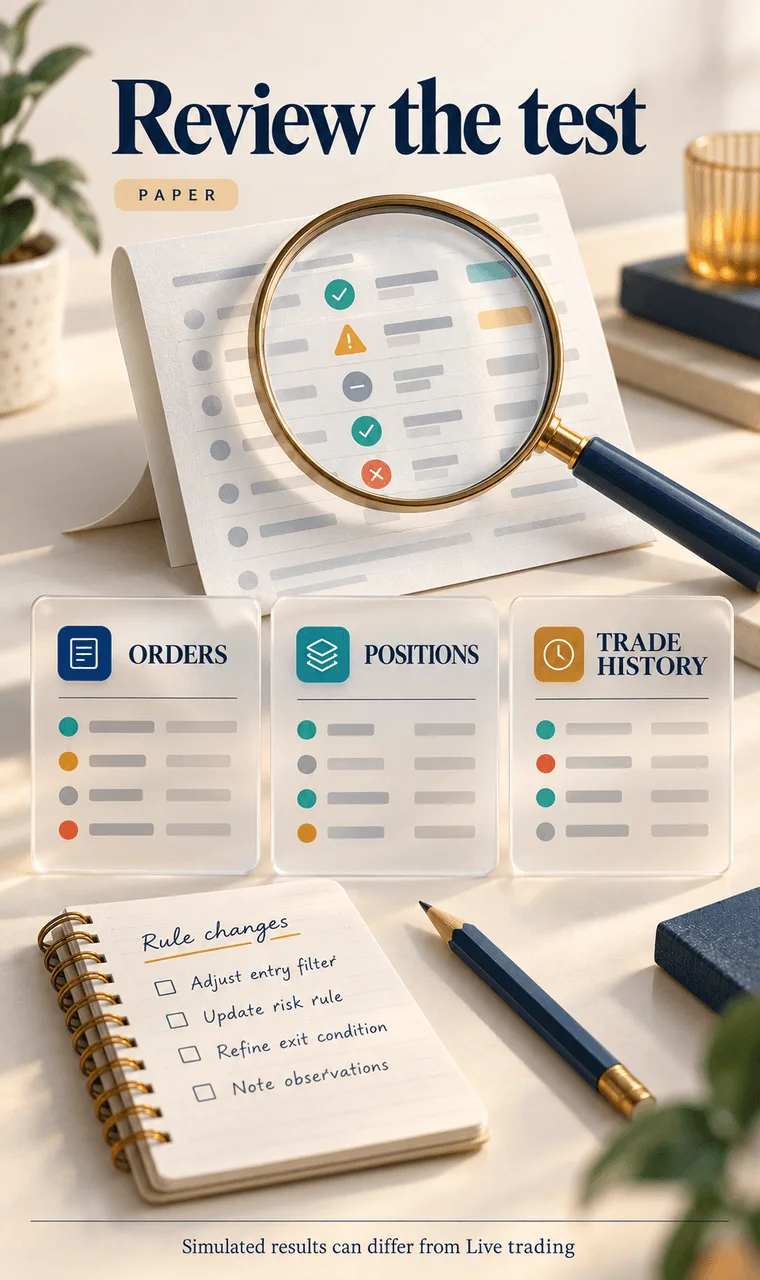
Keep Paper selected and open Portfolio. Orders shows submitted orders and fill status. Positions shows shares you hold after fills. Trade History shows completed trades. A copied signal that was skipped will not create a position.
Compare the target action with the copied action in Recent copy activity. Review the target price, expected copy size, actual fill price, and any slippage shown. This is the practical value of Polymarket paper trading: it reveals which parts of the target's behavior your settings can follow.
5. Decide what to change
After several signals, ask three questions. Were the target's markets the ones you intended to follow? Did your ratio and allocation produce order sizes you understood? Why were any signals skipped or only partly filled?
If little activity appeared, check whether the wallet traded during your test, whether the strategy is running, and whether your filters are too narrow. If you adjust rules, record the change so you know what caused the next result. A Paper test can teach you the workflow and expose mismatches; it cannot guarantee what Live trading will do.